
AI Cartoon Photo Maker Zoocy
Turn your face into a stunning cartoon and make profile pictures that pop
Screenshots
About Zoocy
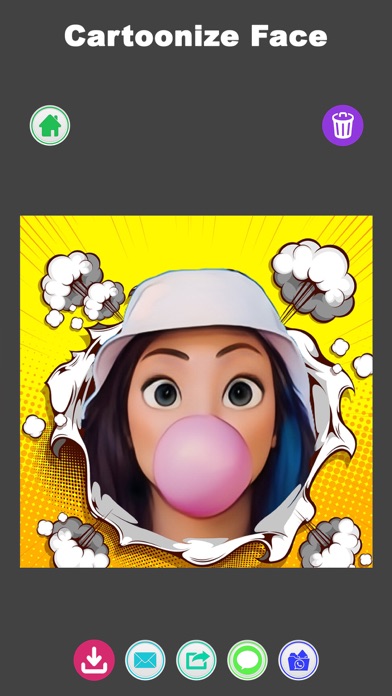
Zoocy turns an ordinary photo of your face into a vibrant cartoon in seconds. Pick a picture, let the AI cartoonizing engine work its magic, and out comes a high-quality cartoon version of you — ready to become the profile picture people actually notice. No drawing skill required, no long waits.
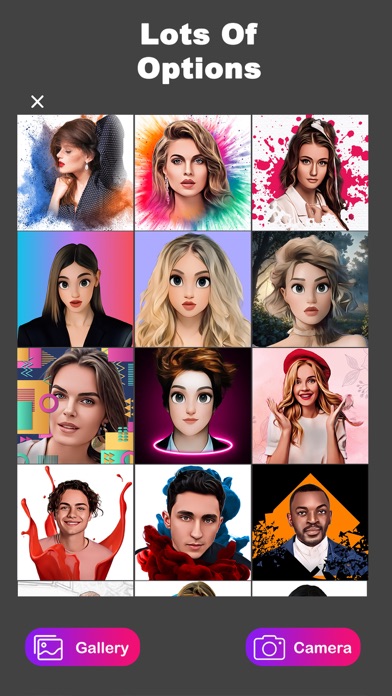
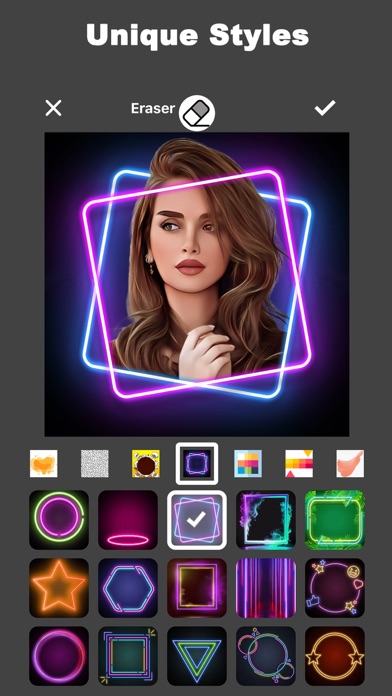
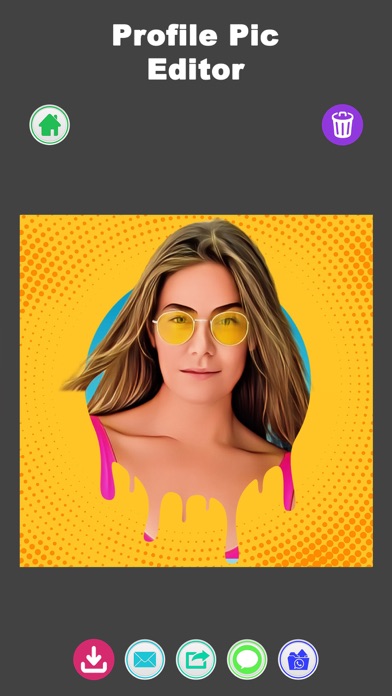
The cartoon is just the start. Zoocy layers on a full creative toolkit: a background remover that swaps boring backdrops for bold scenes, patterns and colors; a deep library of filters and effects; and customizable templates spanning comic book, neon and geometric styles. One-tap sharing sends the finished piece straight to your social platforms or camera roll.
Zoocy is made for anyone who wants their online presence to stand out — social media regulars refreshing their avatar, friends trading cartoon versions of each other, or anyone who’s ever wondered what they’d look like drawn. Try it on your favorite selfie first.
Key features
AI cartoon in seconds
An advanced cartoonizing algorithm converts your face into a high-quality cartoon in just a few seconds.
Profile picture maker
Design captivating profile pictures with intuitive editing tools and a vast library of filters and effects.
Background remover
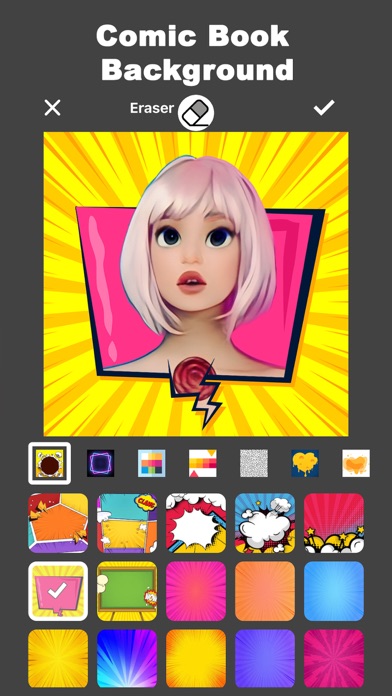
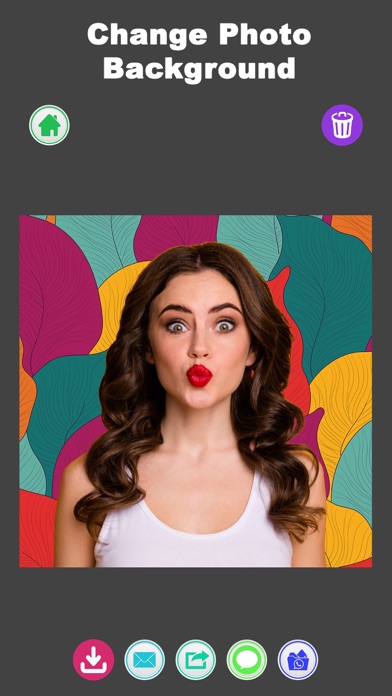
Swap dull backgrounds for eye-catching scenes, patterns, shapes and colors with an easy one-tap tool.
Creative templates
Explore comic book, neon and geometric templates, each fully customizable to match your aesthetic.
How to use Zoocy
Download Zoocy from the App Store
Zoocy is free to download and works on iPhone and iPad running iOS 15.0 or later.
Pick a photo of your face
Choose a clear photo from your library — well-lit, front-facing shots give the AI the most to work with.
Cartoonize and customize
Let the AI turn your face into a cartoon, then add templates, filters and effects, or swap in a new background.
Share your creation
Use one-tap sharing to post your new cartoon or profile picture to social media, or save it to your device.
Frequently asked questions
How good are Zoocy's AI cartoons?
Zoocy uses an advanced cartoonizing algorithm that converts your face into a high-quality cartoon in a few seconds. As with any AI photo tool, clear, well-lit photos of your face produce the most striking results, and you can try different templates and effects until you land on a look you love.
Is Zoocy free to use?
Zoocy is free to download from the App Store. You can start creating right away; some premium features may be offered inside the app, such as access to all templates and effects.
Does Zoocy work offline?
Zoocy needs an internet connection for its AI cartoon conversion, since the heavy lifting runs on cloud servers rather than your phone. Once a creation is saved to your device, you can view it anytime.
Which devices does Zoocy support?
Zoocy runs on iPhone and iPad running iOS 15.0 or later. An Android version is planned — check back on this page for the Google Play link.
Can Zoocy change my photo's background?
Yes. The built-in background removal tool replaces dull backdrops with eye-catching scenes, and you can choose from an extensive collection of patterns, shapes and colors to complement your image.
What templates does Zoocy include?
Zoocy ships with a wide range of styles including comic book themes, neon looks and geometric patterns. Every template can be customized, so your finished image matches your personal aesthetic rather than looking like everyone else's.
Get Zoocy today
Free to download — join the users who already love it.