

Acvifo Body Hole & Heads Mixer
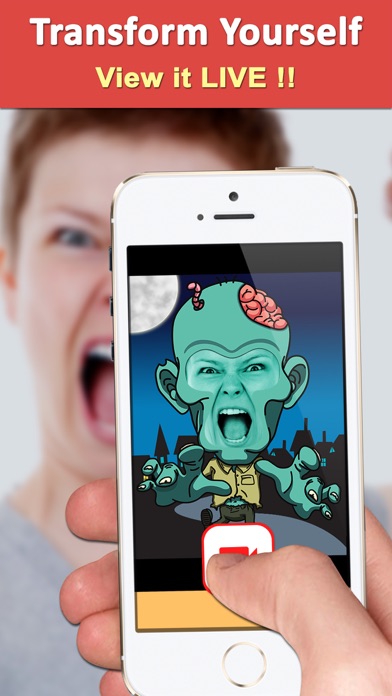
Put your face in funny body holes and film mad talking videos
Screenshots
About Acvifo
Acvifo brings the classic carnival face-in-hole board to your phone — and then goes much further. Pop your head onto a celebrity, a monkey, a giraffe, a sports star, a politician or even an apple, then snap a photo or record a video. In video mode you can mix in mad talking voices, turning a simple body swap into a full comedy sketch. Over 1,900 App Store ratings average 4.5 stars.
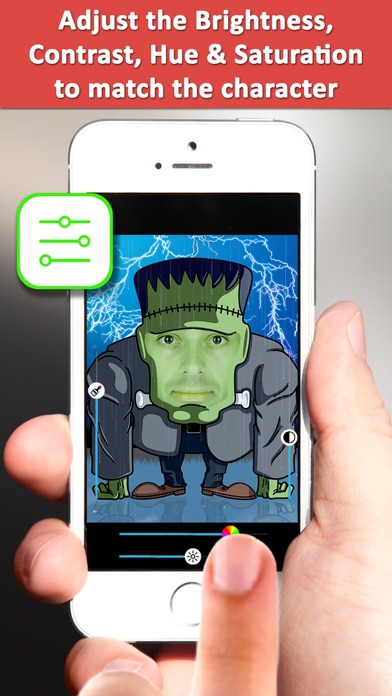
This funny photo mixer gives you real control over the result. Use the camera or pull a picture from your camera roll, then adjust brightness, contrast, saturation and hue until your face genuinely belongs to its new body. Some face holes even animate, and everything you make is stored inside the app until you are ready to show it off.
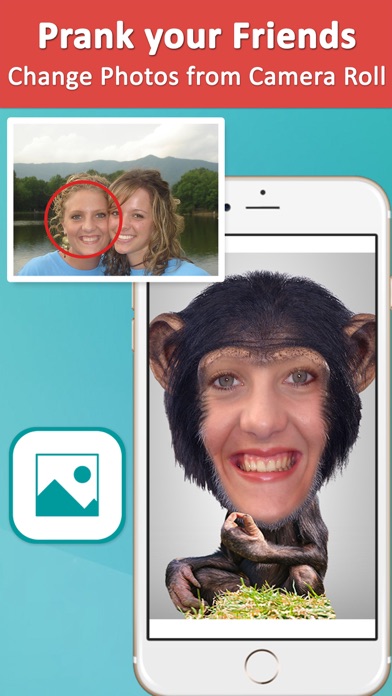
Acvifo is made for anyone who loves a good prank: put your friend’s face on a fruit, film a talking-giraffe confession, and share it via iMessage, WhatsApp, Instagram or email. It is a face in hole app that is guaranteed to put a smile on your face — and on everyone you send your creations to.
Key features
Lots of fun face holes
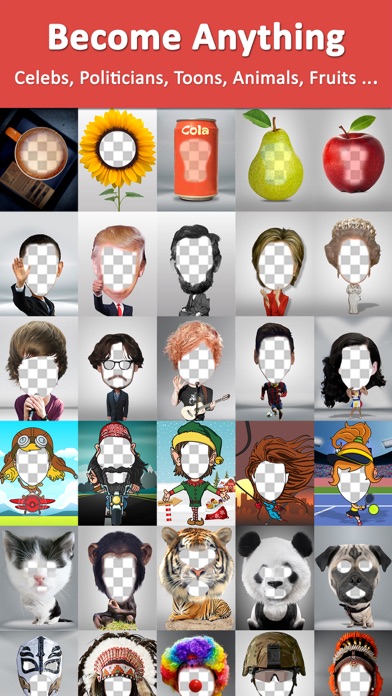
Drop your head into celebrity, animal, politician, sportsperson and even fruit bodies — some of the scenes animate.
Mad talking videos
Record video inside a body hole and mix up your voice with funny effects for maximum comedy.
Photo, video or camera roll
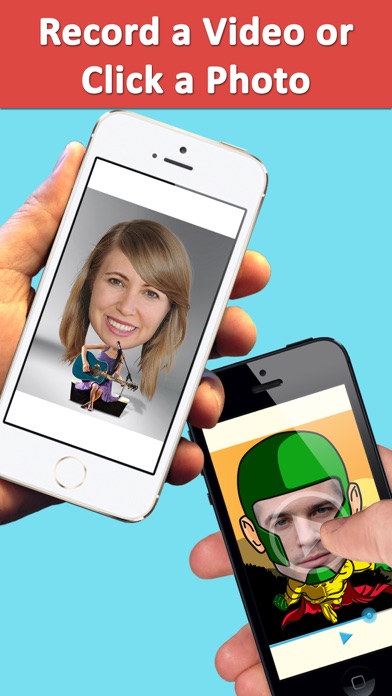
Take a new photo, record a video, or blend a picture from your camera roll into any body.
Fine-tune the blend
Adjust brightness, contrast, saturation and hue so your face matches its new body — or clashes hilariously on purpose.
How to use Acvifo
Download Acvifo from the App Store
Acvifo is free to download and works on iPhone and iPad running iOS 14 or later.
Pick a body hole
Choose from celebrity, animal, sportsperson, politician or fruit bodies — monkeys, giraffes, apples, oranges and more.
Add your face
Snap a photo, record a video with a funny voice, or use a picture from your camera roll, then tweak brightness, contrast, saturation and hue to blend it in.
Save and share your creation
Save the photo or video to your camera roll, or share it via iMessage, WhatsApp, email, Instagram, Facebook Messenger or Twitter.
Frequently asked questions
How well does Acvifo blend my face into a body?
Acvifo uses face detection to place your head into each cardboard-style body hole, and gives you brightness, contrast, saturation and hue controls to match the lighting of the scene. A little tuning makes the swap look surprisingly convincing — or as ridiculous as you want.
Is Acvifo free to use?
Acvifo is free to download from the App Store and you can start mixing photos right away. Some premium features may be offered inside the app, such as unlocking all video and voice effects and removing ads, the watermark and the recording time limit.
Does Acvifo work offline?
Photo and video mixing happen on your device, so you can generally create without a connection. You will need internet access to download the app and to share your creations to messaging and social apps.
Can I make videos with Acvifo, or only photos?
Both. You can click photos or record videos inside any body hole, and in video mode you can also change your voice to sound funny — perfect for mad talking clips and pranks on your friends.
What kinds of bodies can I put my face on?
There is a big variety: celebrities, animals like monkeys and giraffes, politicians, sports stars, and even fruits like apples and oranges. Some of the face holes are animated, which makes the videos even funnier.
Which devices does Acvifo support?
Acvifo runs on iPhone and iPad running iOS 14.0 or later. An Android version is planned — check back on this page for the Google Play link.
Get Acvifo today
Free to download — join the users who already love it.