

Bird Identifier WingID
Snap a photo, know the bird — and keep a log of every feathered friend
Screenshots
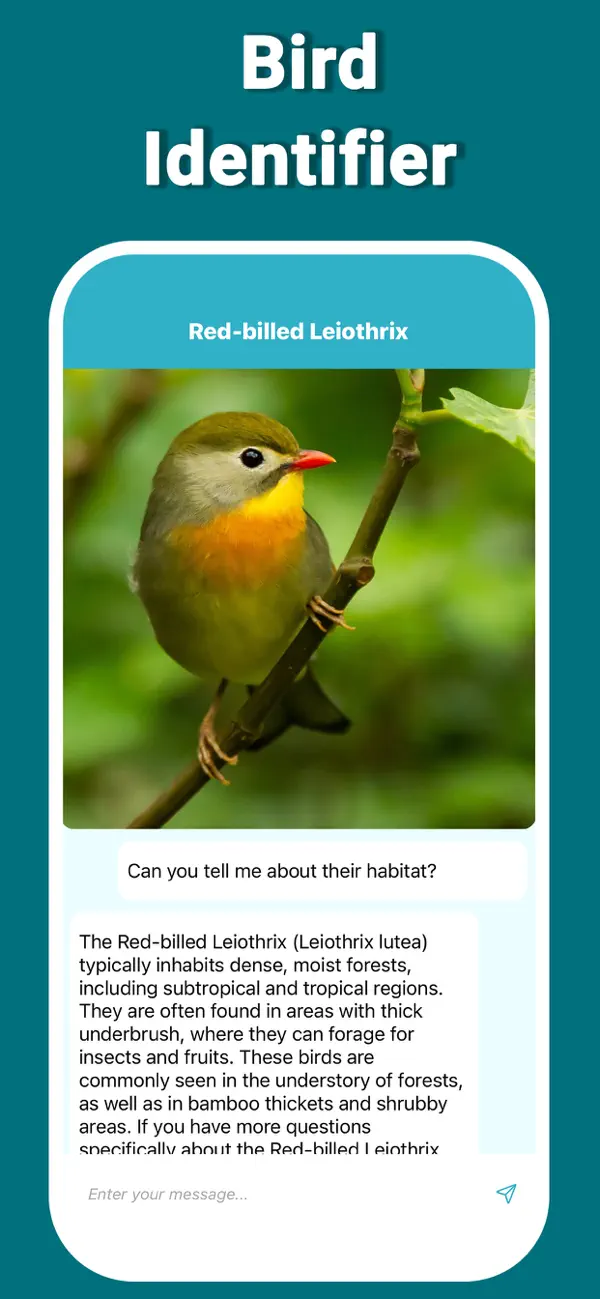
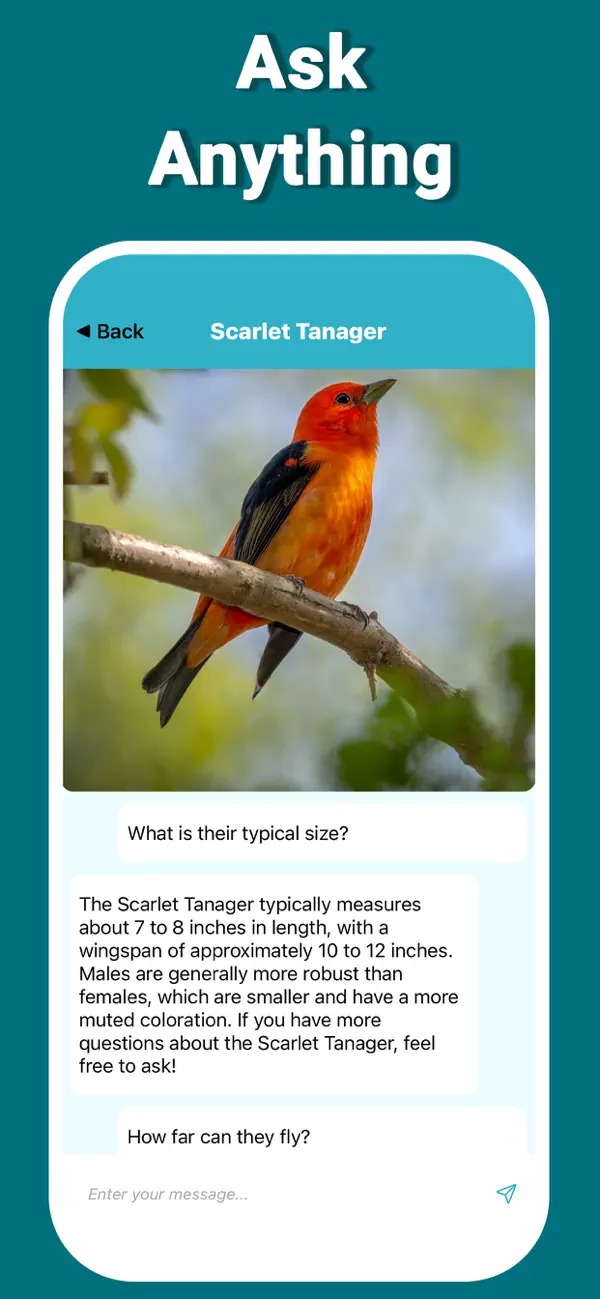
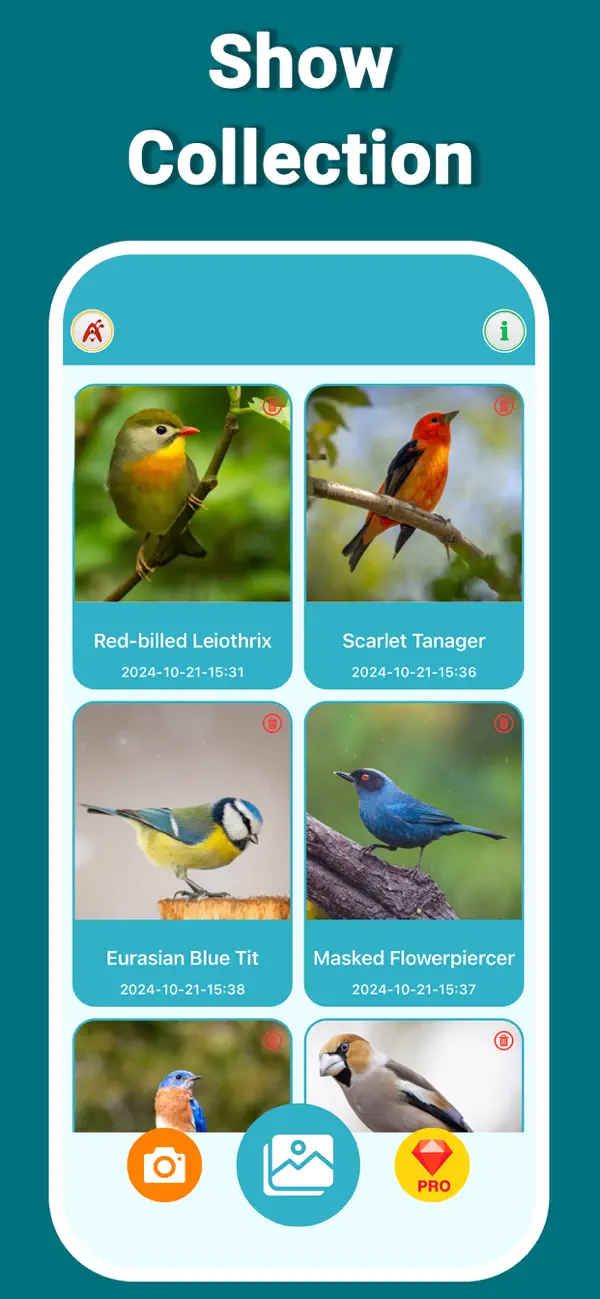
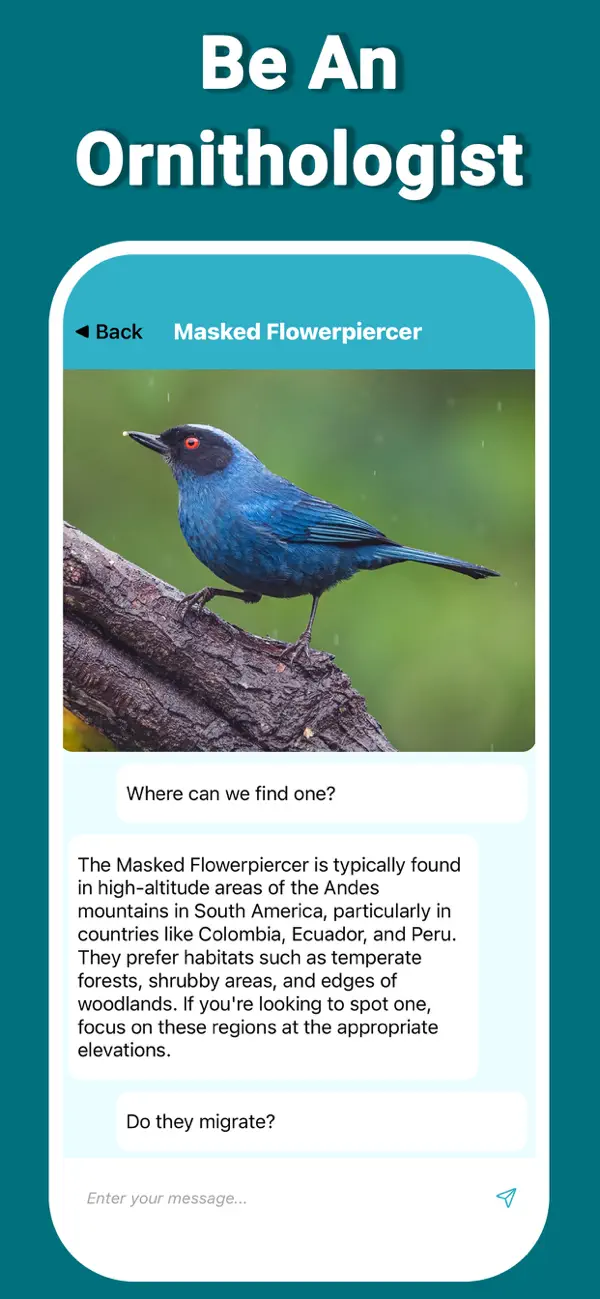






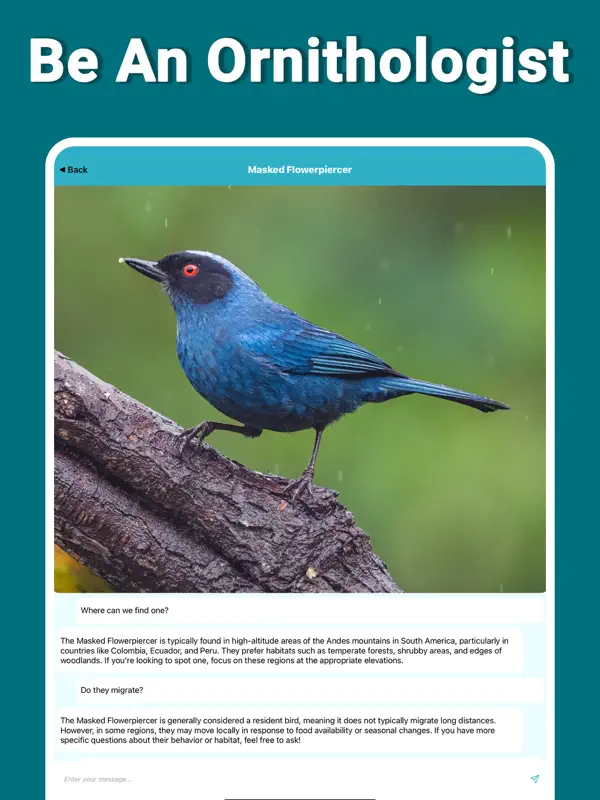
About WingID
WingID turns “what bird is this?” into an instant answer. Snap a photo — or choose one from your gallery — and the AI-powered bird identifier tells you everything about the bird you’ve spotted, whether it’s a finch, parrot, hummingbird, sparrow or jay. It’s bird identification by photo, made simple enough to use one-handed at the window.
Every identification feeds your personal birding log, so sightings add up into a record of your feathered friends. Dive deeper by chatting with the AI assistant: ask about a species’ habits, its feeding patterns, or how to attract more of the birds already visiting your feeder.
WingID is perfect for backyard naturalists, casual birdwatchers and anyone starting out with a birdwatching app for the first time. In the park or on the porch, it makes birding easy, fast and genuinely fun.
Key features
Instant bird identification
Snap a photo or pick one from your gallery and WingID's AI tells you everything about the bird you've spotted.
Ask AI about birds
Get instant answers about a species' habits, feeding patterns and more from the intelligent AI assistant.
Birding log
Every bird you identify is saved to a personal log, so your sightings build into a record over time.
Backyard naturalist friendly
Identify common visitors like hummingbirds, sparrows and jays — and learn how to attract more birds to your feeder.
How to use WingID
Download WingID from the App Store
WingID is free to download and works on iPhone and iPad running iOS 14 or later.
Snap or choose a bird photo
Photograph the bird you've spotted, or select a shot from your gallery, and let WingID analyze it.
Review the identification
WingID tells you the species and key details about the bird, and adds it to your birding log.
Ask the AI assistant
Chat about the bird's habits, feeding patterns and how to attract more of them to your yard.
Frequently asked questions
How accurate is WingID's bird identification?
WingID uses AI-powered image recognition to identify birds from your photos, from common backyard species like sparrows, jays and hummingbirds to more exotic finds. A clear photo where the bird fills more of the frame gives the best results, since similar species can differ in small details like markings and beak shape.
Is WingID free to use?
WingID is free to download from the App Store. You can start identifying birds right away; some premium features may be offered inside the app, such as unlimited identifications, unlimited AI questions and an ad-free experience.
Does WingID work offline?
WingID needs an internet connection for identification and the AI chat, since photo analysis runs on cloud AI models rather than on your phone. You can still take photos in the field and identify them once you're back online.
Does WingID keep track of the birds I've seen?
Yes. WingID keeps a birding log of every bird you identify, so backyard sightings and trip discoveries build into a personal record you can revisit and chat with the AI about.
Can WingID help me attract more birds to my feeder?
Yes. Once WingID identifies the birds visiting your feeder, you can ask the AI assistant about their feeding patterns and habits — and get tips on how to attract even more of them to your yard.
Which devices does WingID support?
WingID runs on iPhone and iPad with iOS 14.0 or later. An Android version is planned — check back on this page for the Google Play link.
Get WingID today
Free to download — join the users who already love it.